Insulation Calculator
Insulation Calculator
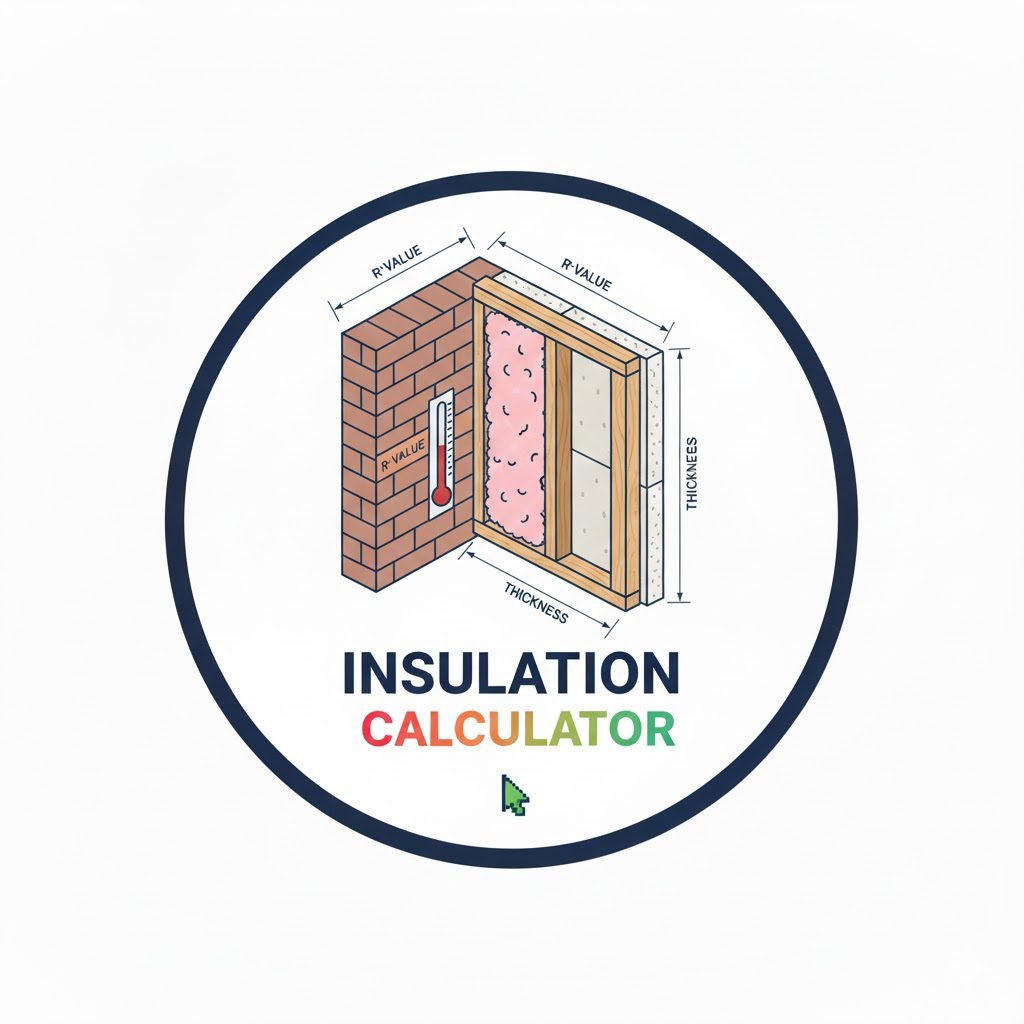
Calculate required insulation R-value/U-value, material thickness, area coverage, and number of batts/rolls – supports global climate zones and metric/imperial units.
Insulation Calculator: Accurately Plan Your Building’s Thermal Efficiency
Calculating the right insulation for a building can be tricky, but the Insulation Calculator simplifies the process by providing precise R-values, material thickness, and coverage estimates. Whether you are retrofitting a home or designing a new building, using an accurate calculator ensures energy efficiency, reduces heating and cooling costs, and maintains indoor comfort. This tool also serves as a reliable thermal insulation estimator for both residential and commercial projects.
Many homeowners struggle with questions like: “How thick should my wall insulation be?” or “Will my attic insulation meet the recommended R-value?” With the right calculator, these uncertainties are eliminated, making planning easier and more cost-effective.
How the Insulation Calculator Works
The calculator uses a combination of building element data, climate zone, insulation material, and area coverage to provide accurate results. By inputting values like cavity depth, material type, and square footage, users can quickly determine:
-
Recommended R-value based on climate and building element
-
Achieved R-value using selected insulation
-
Required material quantity, such as batts, rolls, or bags
-
Compliance with energy codes for your location
For example, if you are insulating a 2×6 exterior wall in Zone 4, the recommended R-value is R-20. Using fiberglass batts with a depth of 5.5 inches results in an achieved R-value of R-20.35, which meets the recommended standard. This precision ensures you purchase the right amount of insulation without overspending.
Practical Applications and Case Studies
Using the home insulation calculator has become a standard practice in professional construction and energy audits. Consider these real-world examples:
-
Residential Attic Retrofit: A homeowner in Chicago upgraded their attic insulation using cellulose blown-in material. With an area of
1,200 ft²and a depth of10 inches, the calculator estimatedR-38, ensuring compliance with local energy codes and a 25% reduction in heating bills during winter. -
New Commercial Building: An office building in Madrid used mineral wool for exterior walls. By inputting wall area and cavity depth, the building insulation thickness calculator provided precise material quantities, reducing waste and installation time.
-
Basement Wall Upgrade: A family in Berlin insulated their basement walls with closed-cell spray foam. The calculator recommended
R-19, allowing professionals to achieve both thermal efficiency and moisture control effectively.
These examples illustrate how an accurate insulation calculation can save costs, improve comfort, and ensure energy efficiency.
Key Benefits of Using an Insulation Calculator
-
Energy Savings: Proper insulation reduces heating and cooling costs by up to 30% in some homes.
-
Material Optimization: Avoid overbuying or underbuying insulation, saving both money and installation time.
-
Compliance Assurance: Aligns with IECC 2021 and other global energy standards.
-
Versatility: Supports various materials including fiberglass, mineral wool, cellulose, and spray foam.
-
Global Adaptability: Works for multiple climate zones, from hot regions like Miami to cold areas like Stockholm.
How to Use the Calculator Effectively
-
Select the building element (attic, wall, floor, basement).
-
Choose your climate zone or location.
-
Enter the area to insulate and select units (ft² or m²).
-
Pick insulation type and input cavity depth.
-
Click “Calculate” to see recommended R-value, achieved R-value, and estimated quantity.
For professional users, formulas used include:
-
Achieved R-Value:
Achieved R = Material R per Inch × Depth (inches) -
Quantity Estimate (for batts):
Number of Batts = Area ÷ Standard Coverage per Batt
Related Tools for Professionals
For comprehensive building calculations, these tools complement the Insulation Calculator:
-
K-Factor Calculator – ideal for sheet metal and thermal conductivity calculations.
-
Material Removal Rate Calculator – for machining and manufacturing efficiency.
-
Engineering Calculators – a complete set of tools for students, engineers, and construction professionals.
FAQs
What is the difference between R-value and U-value?R-value measures thermal resistance (higher is better), while U-value measures heat transfer (lower is better). The calculator can help you estimate both depending on material and thickness.
Can I use the calculator for commercial buildings?
Yes. The tool accommodates any building size and provides accurate material estimates for both residential and commercial projects.
Does insulation type affect energy savings?
Absolutely. Materials with higher R-value per inch, like closed-cell spray foam, provide better energy efficiency compared to standard fiberglass batts, especially in extreme climates.
Conclusion
The Insulation Calculator is an essential tool for anyone looking to improve energy efficiency, reduce costs, and ensure building compliance. From homeowners to construction professionals, this calculator simplifies complex calculations, provides practical recommendations, and ensures accurate material planning. Using it alongside other tools, like the K-Factor Calculator or Material Removal Rate Calculator, creates a robust workflow for building and energy efficiency projects.
By incorporating a reliable calculator into your planning, insulation decisions become data-driven, practical, and cost-effective, ensuring comfortable and energy-efficient spaces for years to come.