
Calorie Density Calculator
Calorie Density Calculator
Calculate the calorie density (kcal per 100g) of any food – helps with weight management by comparing how many calories are in a given weight. Globally standard using grams & kcal.
How Many Calories Are Really in Your Food?
Ever stared at a plate of food and wondered how many calories you’re actually eating per bite? The Calorie Density Calculator solves that puzzle, helping you understand exactly how calorie-packed a portion is, no guesswork needed. Whether you’re managing weight, tracking macros, or just curious about your meals, this tool puts the numbers in perspective. By comparing calories to portion size, it reveals which foods are filling without piling on extra calories and which ones sneak in calories faster than you think.
Understanding calorie density is more than counting numbers—it’s about making smarter choices for satiety, energy, and long-term nutrition. With this calculator, you can take any food and see its calorie concentration per 100 grams, giving you clear insights to guide healthier habits.
What Is Calorie Density and Why Does It Matter?
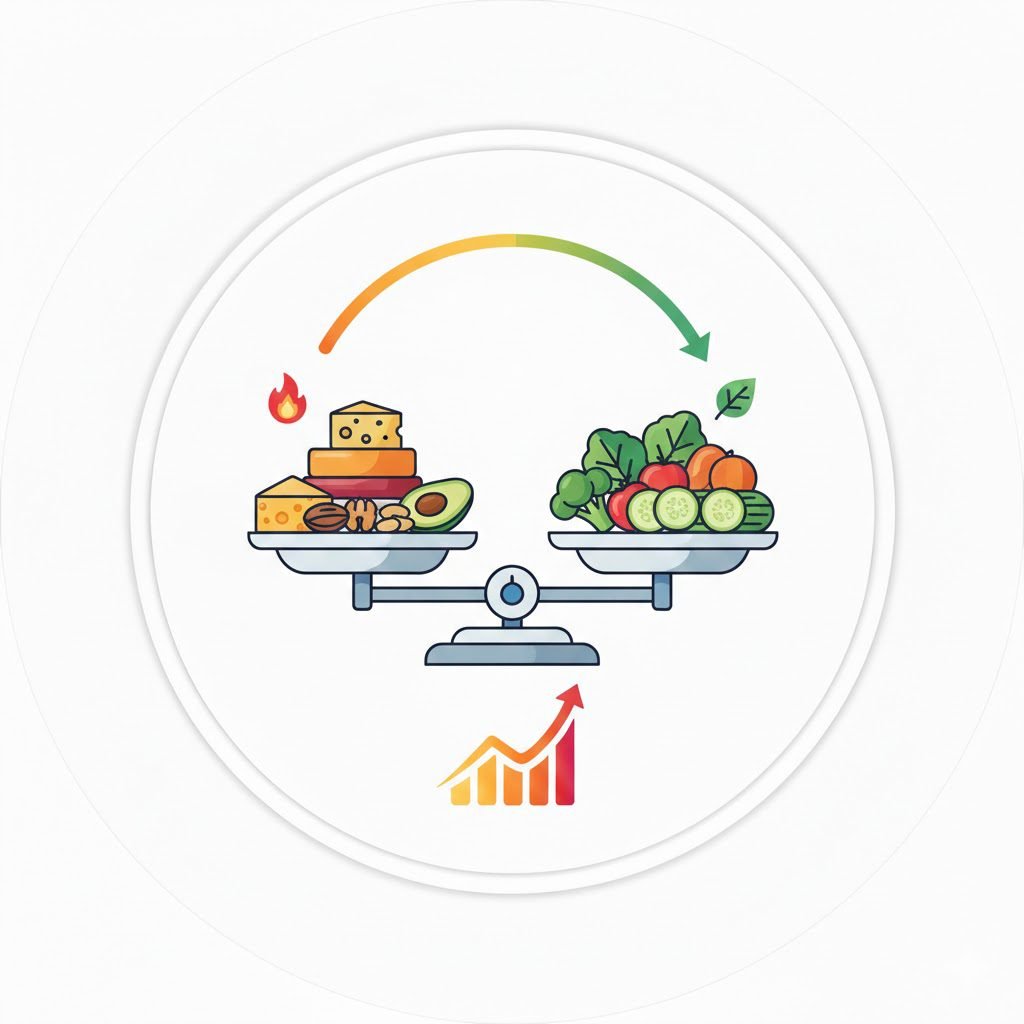
Calorie density is simply the number of calories in a specific weight of food. In this tool, it’s calculated as:
Calorie Density (kcal/100g) = (Calories ÷ Weight in grams) × 100
For example, 52 calories in a 100g apple gives a density of 52 kcal/100g, placing it in the low-calorie density category. Foods with lower calorie density allow larger portions without excess calories, while high-density foods deliver more calories in smaller servings.
This distinction is key for anyone looking to manage weight or balance energy intake. Vegetables, fruits, and lean proteins typically fall in the lower range, while nuts, oils, and fried foods sit at the top. Knowing these numbers helps you plan meals that satisfy hunger and support your goals.
How Does the Calorie Density Calculator Work?
Our calculator is simple, fast, and accurate. Here’s how it works:
-
Inputs Required
-
Food Name (optional): Helps personalize your results.
-
Calories in the Portion: The total kcal in your serving.
-
Weight of the Portion (grams): Exact portion size in grams.
-
-
Calculation Logic
Using the formula above, the tool computes calories per 100 grams, automatically rounding to one decimal for clarity. -
Output & Classification
The results include:-
Calorie Density in kcal/100g
-
Category: Very Low, Low, Moderate, High, or Very High
-
Visual Cards highlighting key metrics
-
Practical Advice for portion management and food choices
-
-
Interactive Features
-
Reset the form to test new foods
-
Copy the results and recommendations to clipboard for reference
-
Auto-calculation updates results instantly as you change inputs
-
This approach ensures you see meaningful, actionable results every time.
How Can I Use This Tool in Real Life?
Here are three practical examples showing how the calculator can guide choices:
Example 1: Comparing Vegetables vs. Cheese
-
100g cucumber → 16 kcal
-
Density = (16 ÷ 100) × 100 = 16 kcal/100g → Very Low
-
-
100g cheddar cheese → 402 kcal
-
Density = (402 ÷ 100) × 100 = 402 kcal/100g → Very High
-
Insight: You can eat more vegetables to feel full without overeating calories, while cheese is great in small portions.
Example 2: Tracking Meal Portions
-
150g grilled chicken breast → 248 kcal
-
Density = (248 ÷ 150) × 100 = 165.3 kcal/100g → Moderate
-
This shows that lean proteins give steady energy but aren’t as filling as vegetables per calorie.
Example 3: Understanding Snacks
-
30g almonds → 174 kcal
-
Density = (174 ÷ 30) × 100 = 580 kcal/100g → Very High
-
Almonds are nutrient-rich but calorie-dense, so portion control matters.
These examples demonstrate that calorie density isn’t about restriction—it’s about informed choices. By testing foods in the calculator, you can identify low-calorie, high-volume options and spot foods that need moderation.
What Foods Fall Into Each Calorie Density Category?
-
Very Low (<50 kcal/100g): Most vegetables, leafy greens, broth-based soups
-
Low (50–99 kcal/100g): Fruits, non-starchy vegetables
-
Moderate (100–199 kcal/100g): Lean proteins, starchy vegetables
-
High (200–399 kcal/100g): Breads, grains, cheeses
-
Very High (≥400 kcal/100g): Nuts, oils, fried foods
Understanding these categories helps you plan balanced meals, mix high- and low-density foods, and enjoy larger portions without overloading calories.
How Do I Get the Most Accurate Results?
-
Always weigh your portion in grams.
-
Use nutrition labels or reliable food databases for calorie information.
-
Test different foods or recipes to compare densities and make smarter swaps.
-
Consider pairing low-density foods with nutrient-dense, high-density foods for satisfying meals.
By following these steps, the tool becomes a reliable companion for weight management, meal planning, and nutritional education.
Frequently Asked Questions
Q1: Can I use this tool for cooked foods?
Yes. We recommend weighing cooked portions, as cooking can change water content and density. For example, 100g raw rice differs from 100g cooked rice.
Q2: Why does calorie density matter for weight loss?
Lower-density foods let you eat larger volumes while consuming fewer calories, keeping you full longer and helping control appetite.
Q3: Can I compare multiple foods at once?
While the tool calculates one food at a time, you can reset and re-enter values for comparisons. This helps identify better swaps and portion strategies.
Why You Should Try the Calorie Density Calculator
The Calorie Density Calculator is more than a number generator—it’s a practical tool for everyday nutrition decisions. By showing how calorie-rich or light foods are per 100 grams, it gives clarity that labels alone often can’t. Whether you’re curious about snacks, planning meals, or managing weight, this tool provides actionable, science-backed guidance.
Try it with your favorite foods, compare density ranges, and make smarter eating choices. For deeper meal planning, explore related tools: Keto Net Carb Converter, Leftovers Portion Adjuster Calculator, and Pressure Cooker Time Equivalence Calculator.