
Macro Split Food Converter
Macro Split Food Converter
Convert between food weight, macro percentages, and grams of Protein / Carbs / Fat – perfect for meal prep, tracking macros, or building custom meals. Globally standard (grams & kcal).
How Can I Easily Track Protein, Carbs, and Fat in My Meals?
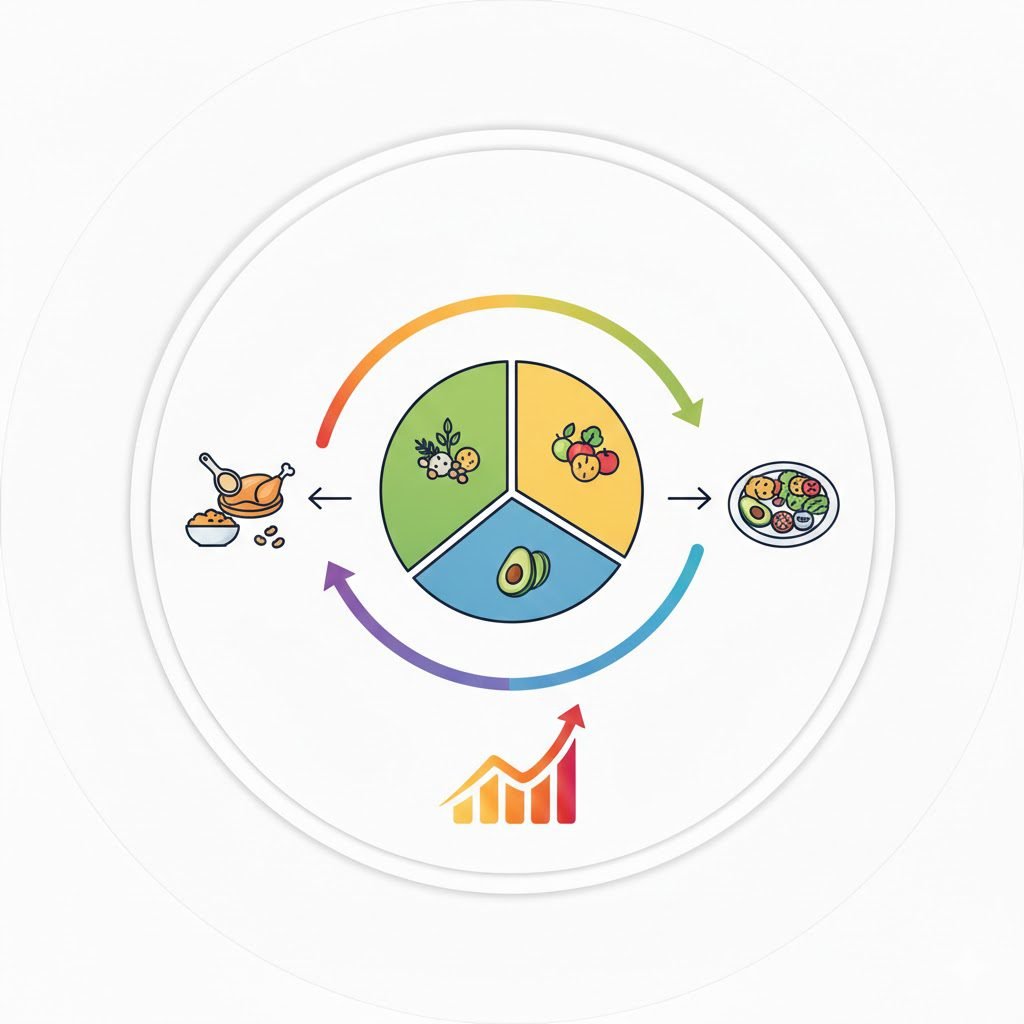
Managing your nutrition can be overwhelming, especially if you’re trying to hit precise macronutrient targets. The Macro Split Food Converter simplifies this by allowing you to convert between food weight, macro percentages, and grams of protein, carbs, and fat. Whether you are meal prepping for weight loss, building muscle, or maintaining a balanced diet, this tool takes the guesswork out of meal planning.
Imagine preparing a 350g lunch but unsure how much protein, carbs, or fat it contains. Instead of manually calculating, you can input your desired macro split, and the converter instantly gives you the grams and estimated calories. This saves time, reduces mistakes, and helps you stick to your nutrition goals.
How Does the Macro Split Food Converter Work?
The tool works in two practical modes depending on your starting point:
1. From Macro Percentages to Grams and Calories
If you know the desired macro split, enter:
-
Total food weight in grams
-
Percentage of protein, carbs, and fat
The converter calculates grams using the formula:
It also estimates total calories using:
Example: For a 300g meal at 30% protein, 40% carbs, and 30% fat:
-
Protein: (30/100) × 300 = 90g
-
Carbs: (40/100) × 300 = 120g
-
Fat: (30/100) × 300 = 90g
Calories = (90×4) + (120×4) + (90×9) = 1,290 kcal
This provides a clear, weight-based macro breakdown, perfect for meal prep.
2. From Grams to Macro Percentages and Total Weight
If you already know the grams of each macro, the tool calculates percentages and total meal weight:
Example: 50g protein, 60g carbs, 20g fat:
-
Total Weight = 50 + 60 + 20 = 130g
-
Protein % = (50 / 130) × 100 ≈ 38%
-
Carbs % = (60 / 130) × 100 ≈ 46%
-
Fat % = (20 / 130) × 100 ≈ 15%
This mode is useful when measuring ingredients directly or analyzing leftover meals.
What Presets Can I Use to Save Time?
The converter includes popular preset splits that match common dietary goals:
-
Balanced: 40% carbs / 30% protein / 30% fat
-
High-Protein: 40% protein / 40% carbs / 20% fat
-
Low-Carb: 20% carbs / 40% protein / 40% fat
-
Keto: 5% carbs / 20% protein / 75% fat
-
Athlete / Muscle Gain: 50% carbs / 30% protein / 20% fat
Choosing a preset adjusts percentages instantly, making meal prep quick and consistent. This is especially useful if you track calories for fat loss or monitor protein intake for muscle gain.
Why Should I Use a Macro Split Tool Instead of Manual Calculations?
Manual calculations are prone to errors and time-consuming. Using a reliable tool ensures:
-
Accuracy: Percentages automatically normalize to 100% if needed
-
Consistency: Helps plan multiple meals with the same macro ratios
-
Time Efficiency: Instantly converts weights, macros, and calories
-
Adaptability: Works for both grams and percentages, allowing flexibility
According to nutrition research, consistent macro tracking improves adherence to diet goals and helps optimize body composition. Using tools like this avoids guesswork and keeps your plan scientifically grounded.
Can I Adjust Portions for Different Scenarios?
Yes, the converter allows experimentation:
-
Meal Prep Scaling: Double or halve recipes to match daily macro targets
-
Leftovers Management: Convert any leftover meal’s macros into percentages and total weight to fit your diet
-
Recipe Adjustments: If a recipe is too high in fat or carbs, tweak the percentages to fit your macro goals
For example, if you have leftover chicken salad weighing 250g with macros 20g protein, 10g carbs, 15g fat, the tool calculates:
-
Total weight = 20 + 10 + 15 = 45g (macro-only weight, excluding water and fiber)
-
Protein % = (20 / 45) × 100 ≈ 44%
-
Carbs % = (10 / 45) × 100 ≈ 22%
-
Fat % = (15 / 45) × 100 ≈ 33%
This makes it easier to adjust remaining meals for daily goals.
Step-by-Step Example Calculations
Example 1: Balanced Meal Plan
-
Total Weight: 400g
-
Macro Split: 30% protein / 40% carbs / 30% fat
Example 2: High-Protein Workout Meal
-
Protein: 60g, Carbs: 80g, Fat: 20g
Example 3: Keto-Friendly Dinner
-
Total Weight: 350g
-
Macro Split: 75% fat / 20% protein / 5% carbs
FAQs About Macro Split Food Converters
1. Is this tool suitable for beginners?
Yes. It simplifies macro calculations into easy-to-read grams and percentages without complex nutrition labels.
2. Can I track calories accurately with this tool?
It provides estimated calories using standard macro kcal values (Protein 4 kcal/g, Carbs 4 kcal/g, Fat 9 kcal/g). For precise tracking, consider water, fiber, and other non-caloric components in real food.
3. How do presets help in meal planning?
Presets instantly adjust macro splits for common diets like balanced, keto, or high-protein. This reduces decision fatigue and keeps daily targets consistent.
Related Tools for Enhanced Meal Planning
-
Keto Net Carb Converter – Track your carbs for low-carb and keto diets.
-
Leftovers Portion Adjuster Calculator – Scale meals and leftover portions accurately.
-
Pressure Cooker Time Equivalence Calculator – Adjust cooking times for meal prep efficiency.
These tools complement the Macro Split Food Converter by providing precise, practical, and user-friendly solutions for nutrition and cooking.
Conclusion
The Macro Split Food Converter makes meal planning and macro tracking effortless. By entering either percentages or grams, you instantly get the grams of protein, carbs, fat, and total estimated calories. Presets and flexible modes allow anyone—from beginners to athletes—to create balanced meals, scale recipes, or adjust leftovers with confidence. Start using the tool today to plan smarter, track consistently, and stay on top of your nutrition goals.