Vegetable Crisp Timer
Vegetable Crisp Timer
Get perfectly crispy roasted or air-fried vegetables every time. Select your veg and cooking method for ideal temperature, time range, and crispiness checkpoints.
How to Achieve Perfectly Crispy Vegetables Every Time
Have you ever roasted vegetables only to find some pieces burnt while others stayed soggy? The Vegetable Crisp Timer is designed to take the guesswork out of roasting, air-frying, or grilling your favorite vegetables. By calculating the ideal temperature, cooking time, and tray density, it ensures every bite comes out perfectly crisp. Whether you are preparing a weeknight dinner or meal prepping for the week, this tool gives precise, reliable guidance for consistent results.
How Does the Vegetable Crisp Timer Work?
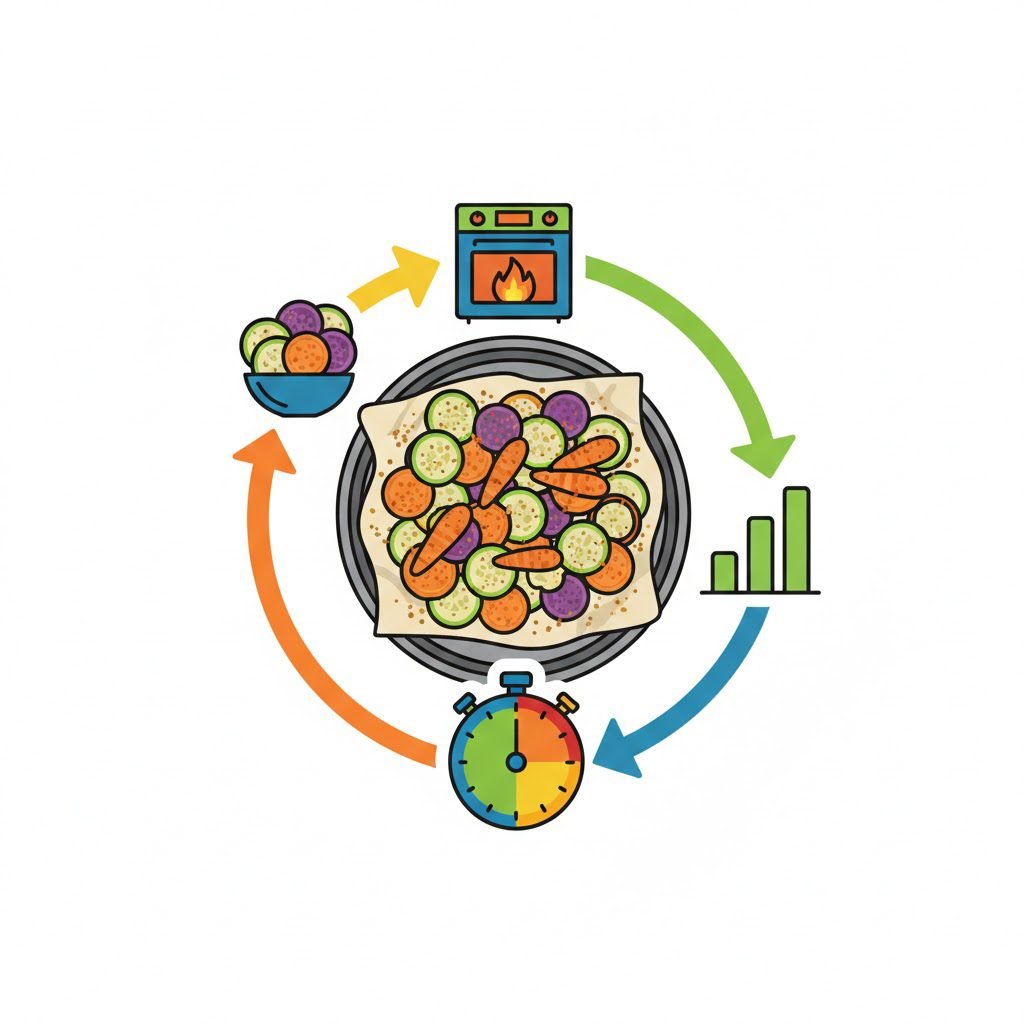
The tool works by combining three key factors: vegetable type, cooking method, and tray density. Each vegetable has a base temperature and time range for each method: oven, air fryer, or grill. The tool adjusts cooking time depending on how crowded your tray is.
-
Vegetable Type: Different vegetables have varying water content and density. For example, carrots take longer to roast than zucchini due to their fibrous structure.
-
Cooking Method: An oven, air fryer, or grill produces heat differently. Air fryers circulate hot air rapidly, reducing cooking time, while grills may require more attention to prevent burning.
-
Tray Density: A single layer allows maximum crisping, while crowded trays cause steaming, which increases cooking time.
The calculation behind the timer uses a simple formula:
Where the Density Modifier is:
-
Single layer = 1.0
-
Medium overlap = 1.15
-
Crowded tray = 1.35
For example, if oven-roasting broccoli (base time 18–28 minutes) on a crowded tray:
This ensures your vegetables remain crisp without overcooking.
Which Vegetables Can I Use with This Timer?
The tool supports a wide range of vegetables commonly roasted, grilled, or air-fried:
-
Potatoes & Sweet Potatoes: Wedges or cubes
-
Carrots: Sticks or chunks
-
Broccoli & Cauliflower: Florets
-
Brussels Sprouts: Halved
-
Zucchini / Courgette: Slices
-
Bell Peppers: Strips
-
Asparagus & Green Beans: Whole or trimmed
Each vegetable has its own temperature and time profile depending on cooking method and tray density. This allows even delicate vegetables like zucchini to come out perfectly crisp without drying out.
What Cooking Methods Are Supported?
The timer adjusts recommendations for three main methods:
-
Oven Roast (Conventional or Fan): Ideal for batch cooking. Fan/convection reduces cooking time by 5–10 minutes.
-
Air Fryer: Quick, even cooking. Preheating may be recommended depending on your model, and shaking the basket 2–3 times ensures even crisping.
-
Grill / BBQ: Direct heat cooking. Requires turning vegetables frequently to avoid burning while achieving a charred, caramelized exterior.
Each method has optimized temperatures and time ranges to produce maximum crispiness.
How Should I Prepare Vegetables for Best Results?
Consistency in size and preparation is key. Follow these steps:
-
Cut vegetables into uniform pieces to ensure even cooking.
-
Toss generously with 1–2 tablespoons of oil per tray, salt, and spices before cooking.
-
Use a single layer for maximum crisp; multi-layered trays produce more steam.
-
Flip or shake halfway through cooking to ensure even browning.
-
Start checking vegetables 5 minutes before the recommended time; edges should be golden-brown and slightly charred for optimal flavor.
By combining these preparation steps with the timer’s guidance, your vegetables will come out perfectly crisp every time.
Can I Adjust Cooking Times for Tray Density?
Yes, tray density significantly impacts cooking times. The tool uses modifiers to adjust the base time based on your tray setup:
-
Single Layer (Max Crisp): Base cooking time remains unchanged.
-
Medium Overlap: Time is increased by ~15% to account for slight steaming.
-
Crowded Tray: Time is increased by ~35% because the vegetables release more moisture and cook slower.
This ensures that no matter how many vegetables you prepare, you maintain the ideal texture.
Examples of Using the Vegetable Crisp Timer
Example 1: Oven-Roasted Sweet Potato (Single Layer)
-
Base temp: 220°C
-
Base time: 30–45 min
-
Density modifier: 1.0
-
Adjusted time: 30–45 min
Example 2: Air-Fried Carrots (Medium Overlap)
-
Base temp: 190°C
-
Base time: 15–22 min
-
Density modifier: 1.15
-
Adjusted time: 17–25 min
Example 3: Grilled Brussels Sprouts (Crowded Tray)
-
Base temp: 215°C
-
Base time: 15–25 min
-
Density modifier: 1.35
-
Adjusted time: 20–34 min
These examples highlight how the tool automatically adapts times and temperatures based on realistic cooking conditions.
What Are the Best Tips for Maximizing Crispiness?
-
Uniform Sizing: Cuts of consistent thickness prevent uneven cooking.
-
Proper Oil Use: Enough oil promotes browning but avoids sogginess.
-
Tray Space: Give vegetables room to allow moisture to escape.
-
Early Checks: Appliances vary; checking 5 minutes early avoids overcooking.
-
Preheat Appliances: Air fryer and oven preheating improve crisp results.
These tips, combined with the timer’s guidance, create perfectly crisp vegetables every time.
FAQs About Vegetable Crisp Timer
Q1: Can I use this timer for frozen vegetables?
Yes, but increase the cooking time by 5–10 minutes and consider a single-layer arrangement to avoid sogginess.
Q2: Does this work with all air fryer brands?
Generally yes, but cooking times may vary slightly depending on the model’s power and basket size. Shake vegetables periodically for uniform crisping.
Q3: Can I adjust temperatures for dietary needs?
You can reduce oil or salt without affecting temperature recommendations. Always follow adjusted cooking times based on tray density to maintain crispiness.
Why Should I Use the Vegetable Crisp Timer?
This tool combines practical expertise with precise calculations to eliminate guesswork. Whether you’re preparing vegetables for family dinners, meal prep, or entertaining guests, it saves time, reduces trial-and-error, and ensures every dish comes out crisp, flavorful, and visually appealing.
By using this timer alongside related tools like the Tea Calorie Calculator, Water Hardness Impact Tool, or the Zero Waste Kitchen Guide Tool, you can optimize your kitchen efficiency and elevate healthy cooking routines.